
Cache Remote Images
If you have hotlinked images, you can download them to your server using the Cache Images plugin on WordPress.
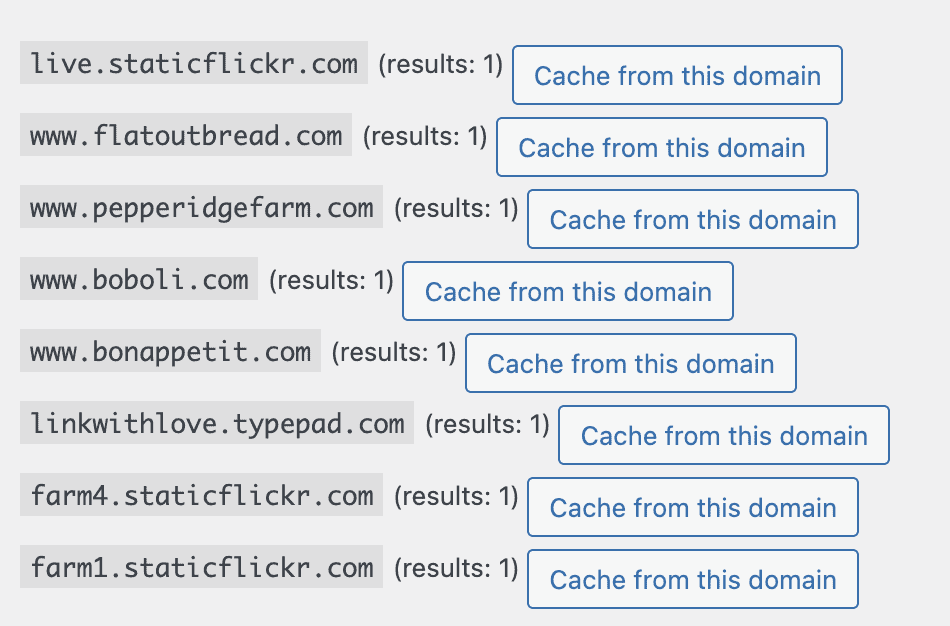
This is useful if you have very old posts where the images were not properly imported from Wix, Blogger, Squarespace, WordPress.com, etc.

Why
Using remote images slows pagespeed due to the browser having to connect to external sources.
You also have no control over the image that is loading, and the site hosting the images could replace it, or infect it with malware.
The image could also disappear at any time if the site shuts down.
Loading third party images may also present a GDPR violation.
Errors
We're unable to offer support for this plugin, and recommend that you contact your host if you run into any errors with this plugin, as there may be a permission/configuration issue with your server.
Security
Images from remote servers may have been altered or corrupted and it's possible to get your site hacked doing this from suspicious domains.
Hosting disk space
This will add images to your WordPress install which could fill up your hosting disk space and require an upgrade to your plan.
The trade-off of having to
Image optimization
The images that are automatically downloaded to your site
You will need to run Regenerate Thumbnails to create thumbnails to ensure they're pagespeed optimized.