Applying a custom background pattern
Exclusive to Feast+ Members
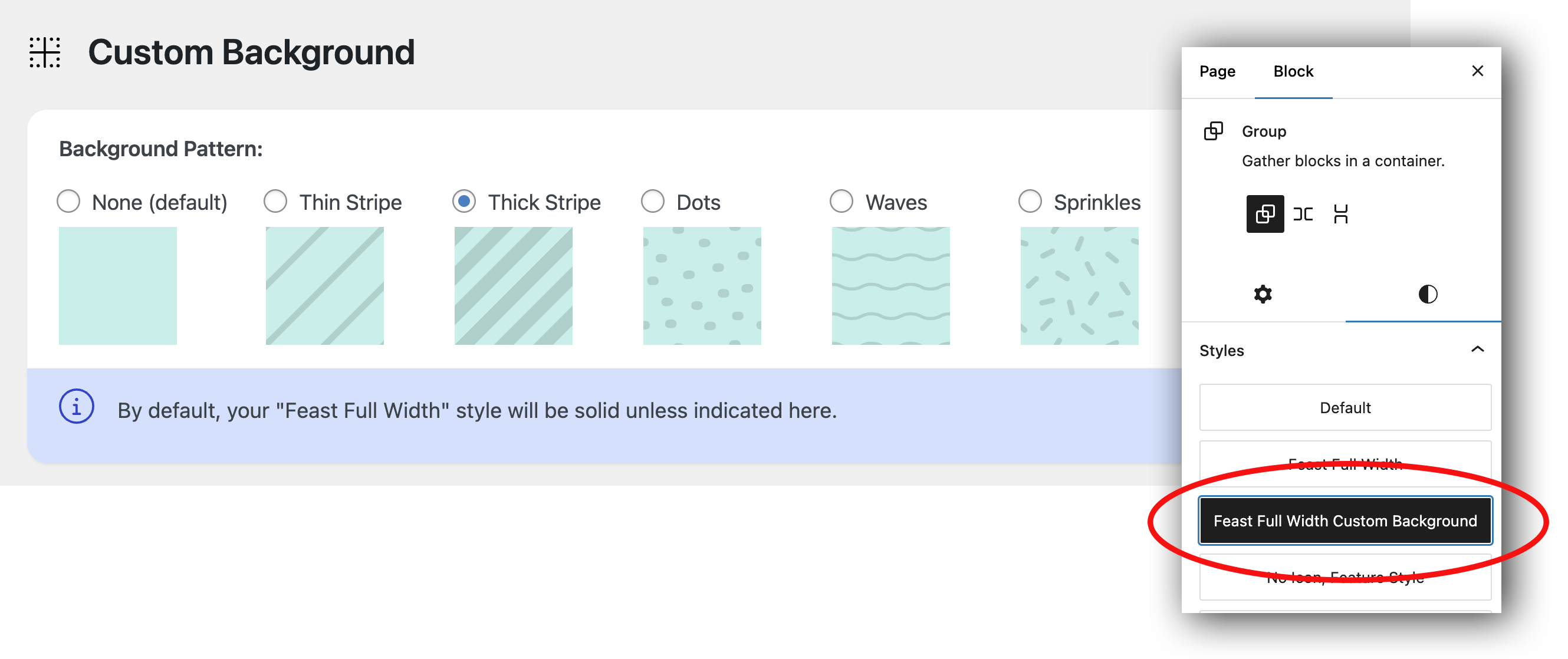
You can now choose a fun pattern to add to group blocks! We recommend adding this to blocks that you want to stand out and draw more attention to.
- Go to Feast Plugin > Branding (Feast+) > Custom Background
- Choose your desired background pattern and hit "SAVE".
- You can now manually add this style to Group blocks of your choosing by selecting "Feast Full Width Custom Background".