
As Seen In Pattern
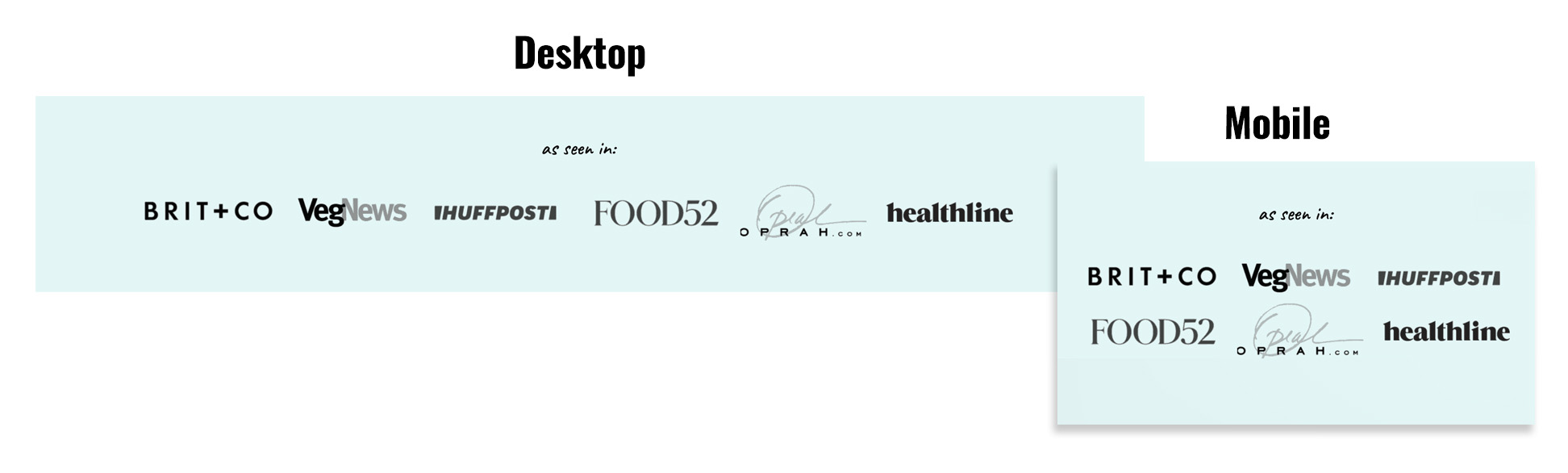
We've added a new "as seen in" pattern for featured logos. This is recommended to increase authority. Use a free backlink checker to help find notable sites that have featured you.
To insert:
- Go to Block Editor > [+] > Patterns > Feast Footer Patterns > As Seen In
- Insert two separate 750x100px images, each with 3 logos. If using Canva, you can use our template and save them as transparent .PNG files.
By using this template, they will display horizontally on desktop but stack in a 3x2 grid on mobile.
To turn the logos from color to black and white, follow this tutorial: