Numbered Step Headings
In addition to the instructions patterns, we've also added the ability to add large numbers next to headings. This is great if you have more comprehensive step-by-step instructions that you want in their own sections.
This gets applied by selecting the Heading and then selecting Feast+ Step#.
These numbers will be automatically applied in sequential order; you do not need to set each manually.

You can find this block pre-formatted in the Block Editor > [+] > Patterns > Feast Post Patterns > Instructions Pattern Horizontal
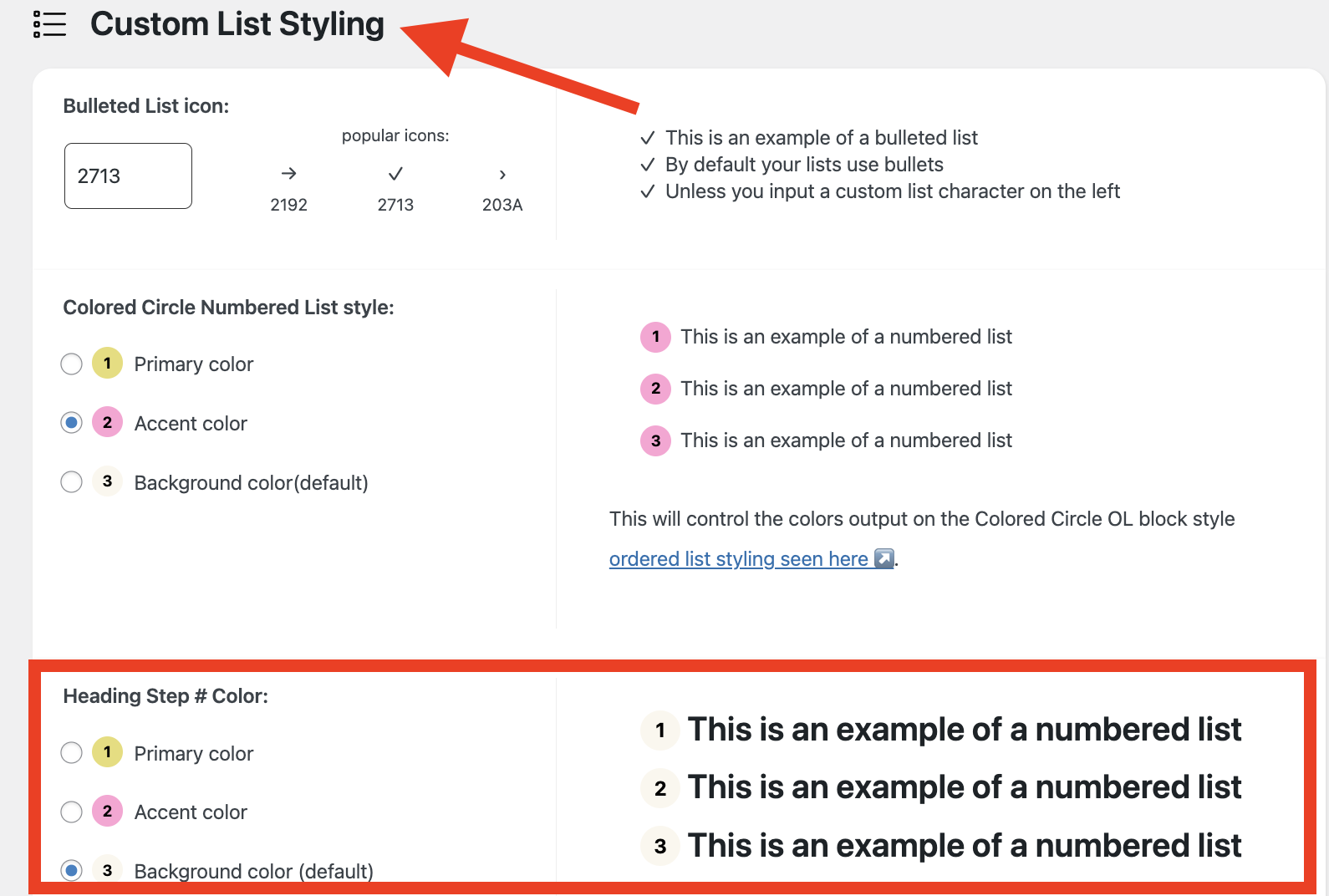
To set the color:
If you haven't already set it, you can set the color for this in your Feast+ branding page under "Custom List Styling". This is a new option as of April 2025, so it may not be selected.