
What are Patterns? Feast Patterns are pre-designed building blocks that form the layout of your site. You can mix and match them to create a unique, customized layout tailored to your content needs.
How to Use Block Patterns
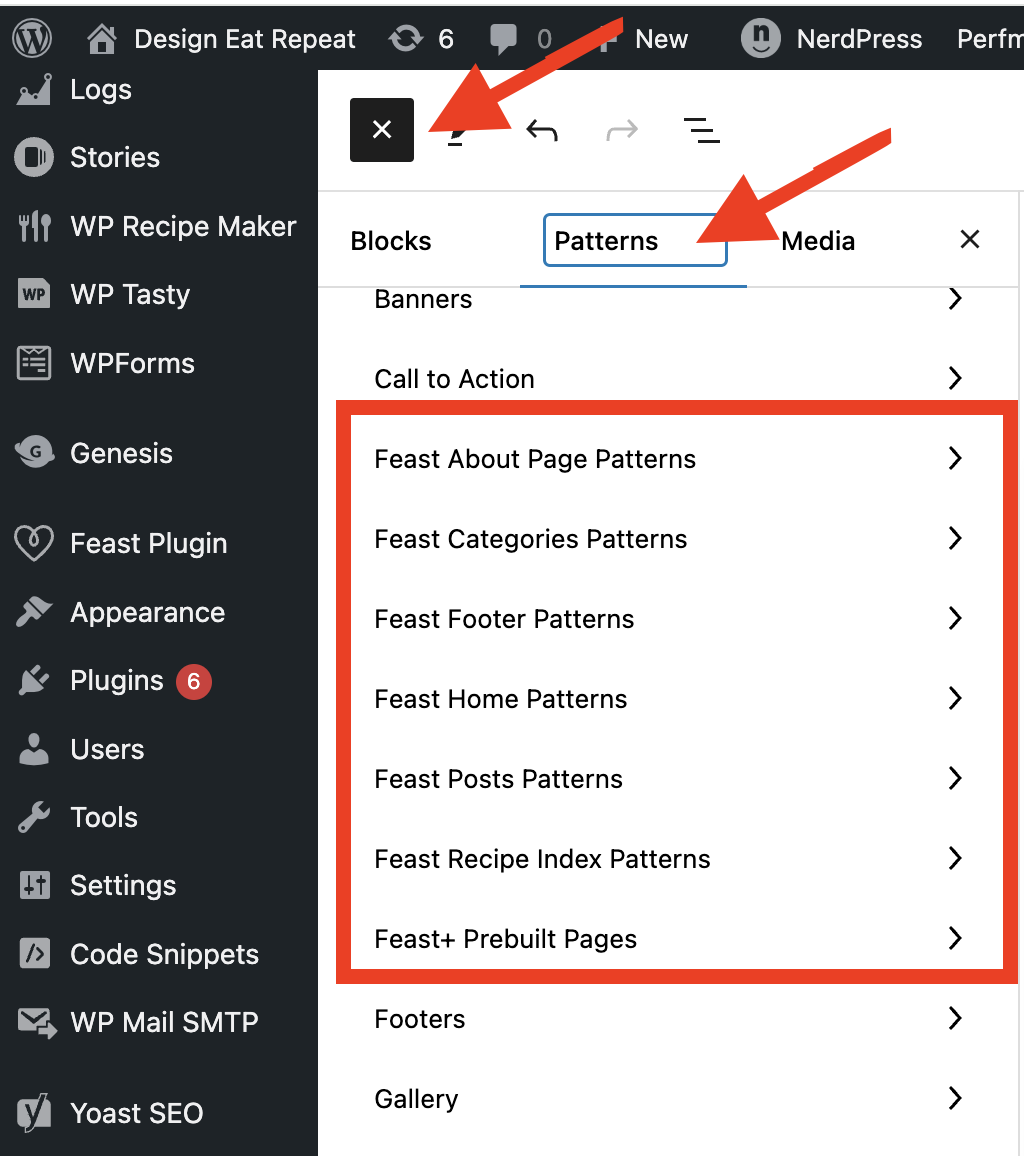
You can find the Feast+ patterns in the block editor > [+] > Patterns. Think of these patterns as pre-designed "building blocks" of your site.
Some of the patterns you'll find are:
- featured recipe
- full width search block
- about author
- tip box
- reader review
- instructions grid
- travel patterns (see below)
While travel blogs can use any of the Feast+ patterns, we've organized curated travel patterns in a separate tab to make them easier to find:

Grouping Blocks
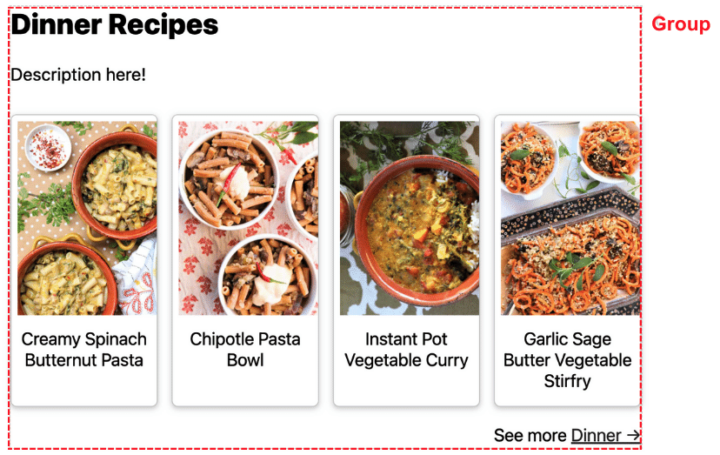
To take maximum advantage of Feast+, you'll need to group all your content into group blocks to define sections. This will create a cleaner layout, as well as allow you to apply the background color to any Feast+ pattern or pattern you create.
Note: Patterns you insert from the Feast+ library are already grouped. You do not need to regroup those unless you add a new element to them.
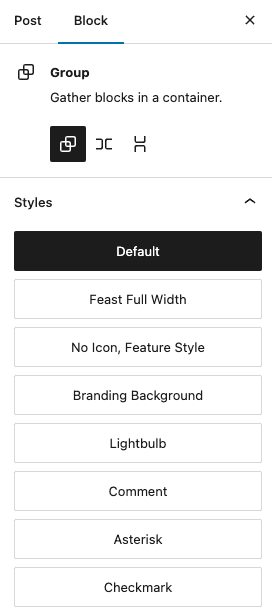
Selecting the group block provides you with styles that can be applied:
Remove Space Between Blocks
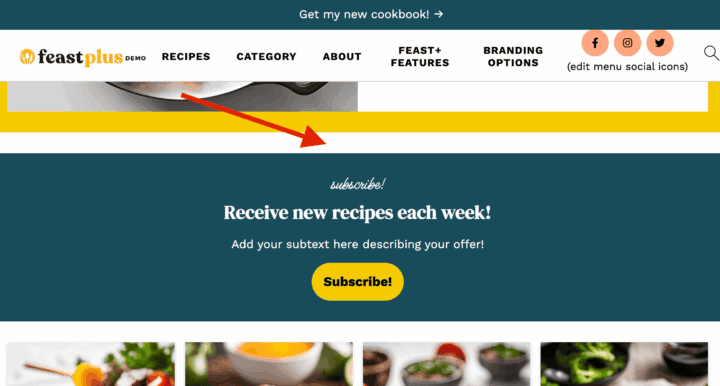
To remove the white space between two blocks, select the Group block, then open the Block → Styles panel and adjust the margin settings. (See video below for a walkthrough.)
Note: This requires “Enable Block Options” to be enabled in your Feast Plugin Settings.
Video Tutorial: