Footer Setup
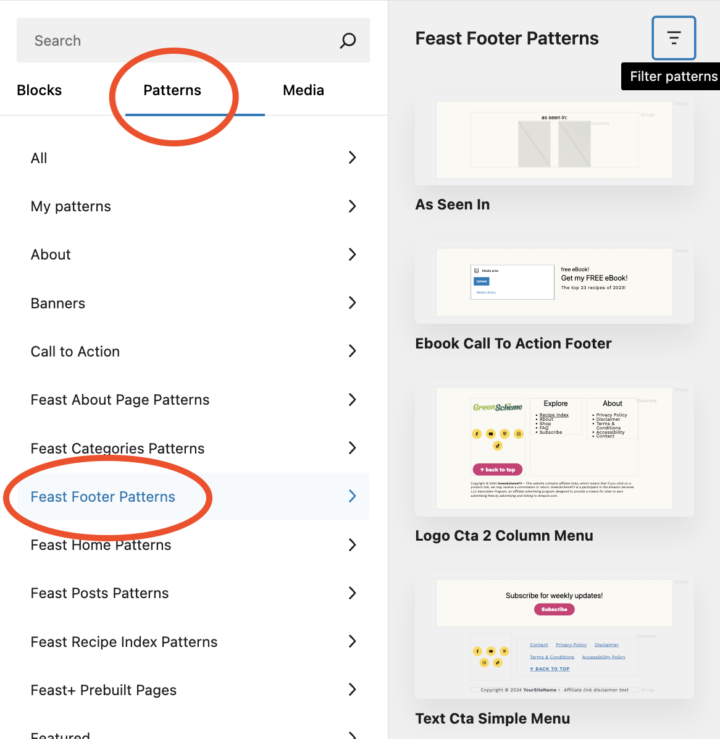
We have three pre-built patterns to choose from:
- eBook Call To Action Footer
- Logo CTA 2-Column Menu
- Text CTA Simple Menu
To insert, go to:
- Feast Plugin > Feast Layouts > click "Edit" next to "Modern Footer".
- Block editor > [+] > Patterns > Feast Footer Patterns > Insert the pattern of your choice.
- Add your desired content and ensure all links are accurate to your site.